Running R and RStudio from an Android mobile phone or tablet
R is a popular statistical computing environment, and RStudio is a commonly used editor for it, featuring syntax highlighting and code completion. There is even a server version that runs in the browser. In this post, I’ll go through the process of compiling RStudio Server locally onto an Android device.
Preface
This process involves tinkering with your device’s software and can lead to data loss or rendering the device unusable. Ensure your data is safely backed up. It is a good idea to only try this on a spare device.
Getting started
You’ll need a rooted Android device. I used a Moto X (2013) developer edition flashed with a pre-rooted nightly image of CyanogenMod 13. Have at least 4 GB of storage available, keep the device plugged in, and disable power-saving features during installation and compilation.
Installing Debian
Debian is a Linux distribution with ARM ports suitable for Android devices. I used an Android app named Linux Deploy alongside a compatible BusyBox installation.
Once installed, set up your Linux container. Allocate a minimum of 4 GB. Since we’re installing RStudio Server, a graphical environment is not needed, so uncheck it. Keep the SSH server enabled. My settings can be found here.

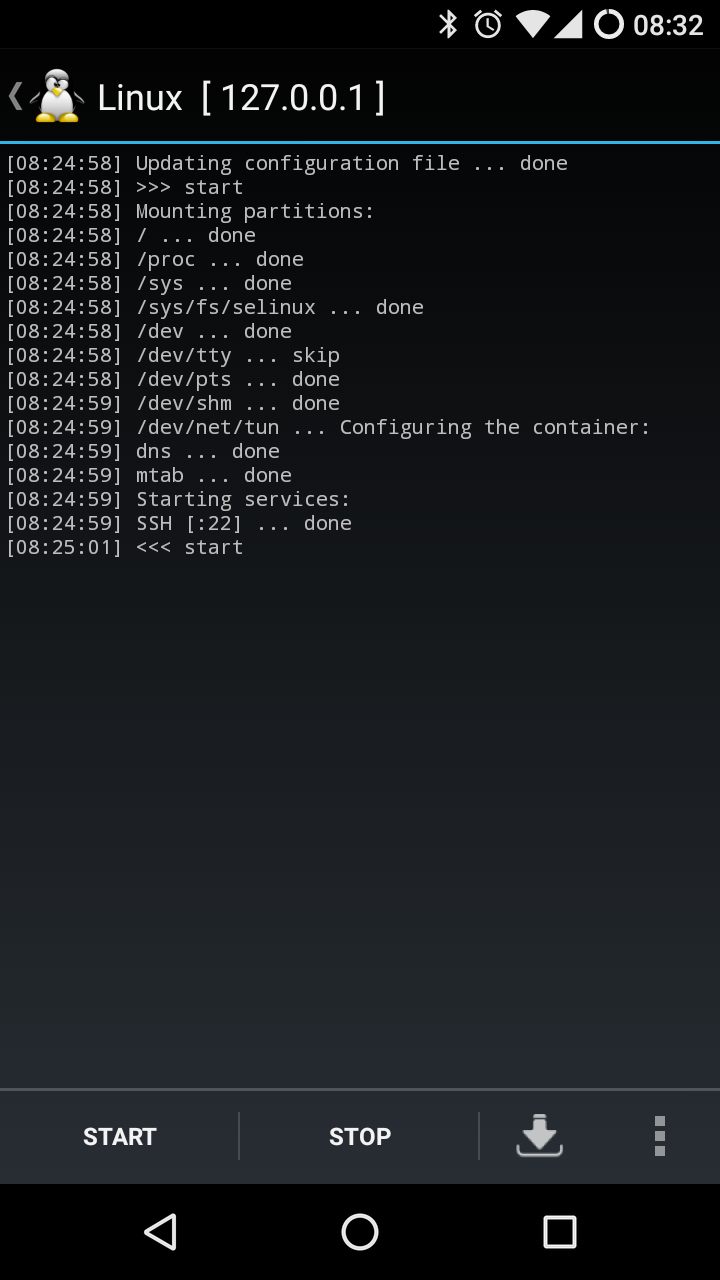
Once configured, let Linux Deploy set everything up. This takes 30 minutes to an hour. Completion is indicated by << install. When started from a stopped state, the status should look like this:
Housekeeping
Access your Debian install via SSH from another computer on the network or from an Android SSH client such as JuiceSSH. Linux Deploy displays the device’s network address when open.
ssh 192.168.1.X
Log in with your account details (default password changeme) and change it immediately:
passwd
Update the system:
sudo apt-get update
sudo apt-get dist-upgrade
Install useful tools:
sudo apt-get install screen openjdk-7-jdk git
Compiling RStudio Server
I’ve uploaded a modified shell script to ARM-rstudio-server, based on work by dashaub and jrowen.
screen
wget https://raw.githubusercontent.com/thomasteoh/ARM-rstudio-server/master/build_rstudio.sh
sudo bash build_rstudio.sh
This takes over 10 hours. Leave it overnight. Once complete:
sudo rstudio-server start
Accessing RStudio
Access RStudio Server from any browser on the device at 127.0.0.1:8787, or from another computer on the same network at port 8787. You will be presented with a username and password prompt. Use your Debian account credentials.
Once logged in, RStudio runs in the browser much like the desktop version, with the console, environment, and file panes intact.
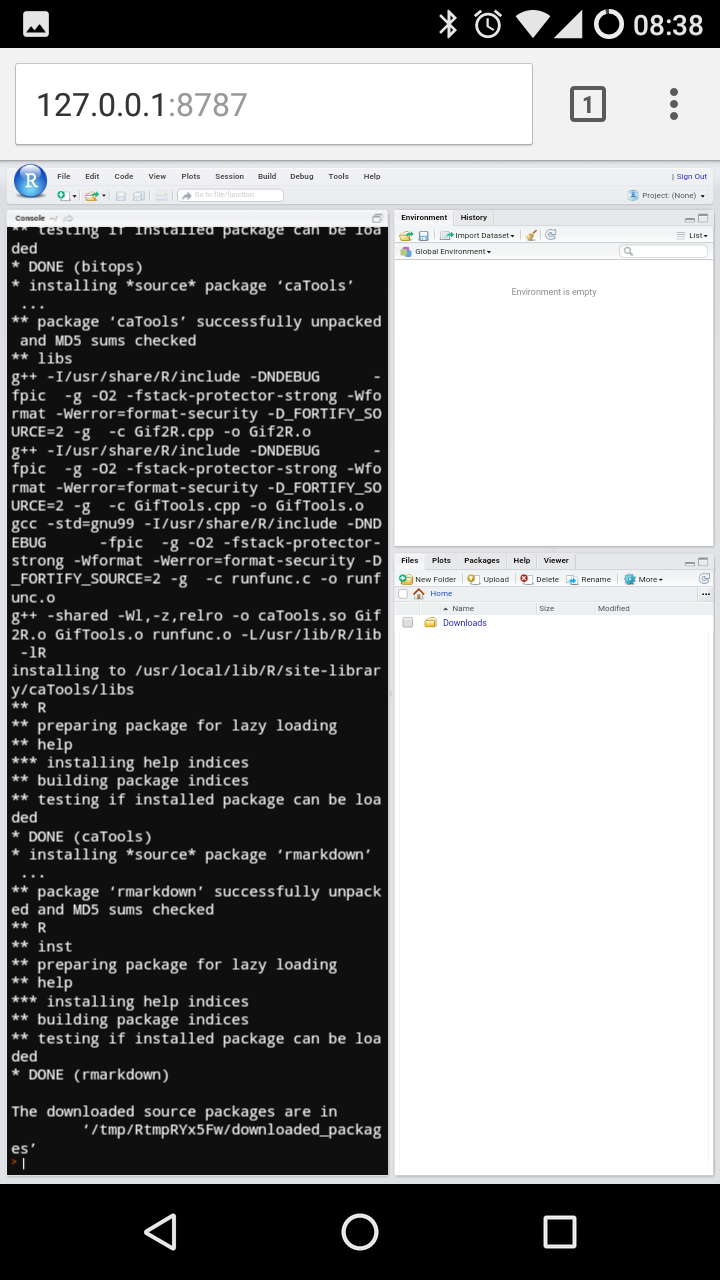
From there, install your packages and access your code. Bookmark the address and pin a shortcut to your home screen for easy access.